Stage Your Spaces in Minutes with AI.
Upload a photo of your bare room, pick any style you like, and let AI transform it without prompting.
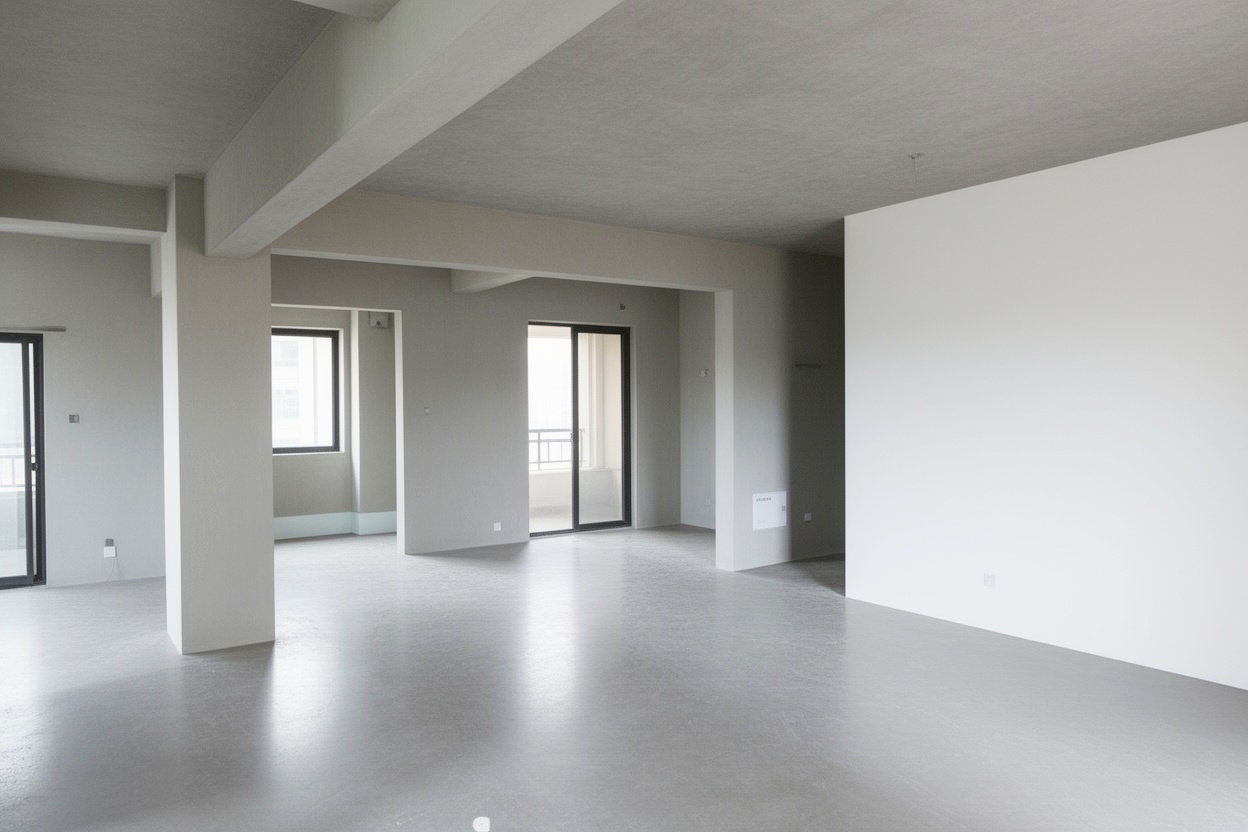
 BeforeAfter
AI-powered interior staging
Transform sketches and bare rooms into stunning designs
AI-Powered Rendering
Transform rough sketches and bare rooms into photorealistic designs in minutes with state-of-the-art AI.
Multiple Styles
Choose from modern, minimalist, rustic, industrial, Scandinavian, and many more design styles.
Prompt Editing
Describe any change in plain language — repaint the sofa, swap the flooring, replace furniture — and our AI applies it instantly.
Instant Preview
Upload your space and get a photorealistic preview in about a minute. Then refine any detail with prompt-based edits.
HD Export
Download your designs in stunning high resolution. Perfect for client presentations and portfolios.
Secure & Private
Your uploads are protected in transit and used only to render your designs.
Simple, transparent pricing
Try free — every new account gets a 14-day free trial with 3 free credits. No credit card required.
Each AI generation or edit consumes 1 credit. Credits reset monthly.
Starter
$29/mo
Perfect for trying out
- 30 credits per month
- Up to 10 stages
- Basic staging styles
- HD resolution
- No watermark
- Email support
Pro
$79/mo
Best for professionals
- 100 credits per month
- Up to 50 stages
- All staging styles
- HD resolution
- No watermark
- Priority email support
Premium
$169/mo
For power users
- 300 credits per month
- Unlimited stages
- All staging styles
- HD resolution
- No watermark
- Priority chat & email support
Frequently asked questions
Everything you need to know
How does the AI rendering work?
Upload a photo of your room sketch or bare space, select a style, and our AI generates a photorealistic preview in minutes. You can then refine any detail with prompt-based edits.
Can I modify specific objects in the rendered image?
Yes! In the editor, simply describe what you want to change in natural language — repaint the sofa, swap the wall color, replace the flooring or furniture — and our AI applies it to your design.
Will the generated image look exactly like my room?
AI-generated results are primarily determined by the AI model and may not perfectly match your expectations. The outcome depends on factors such as your original photo's composition, lighting, clarity, and angle. For best results, we recommend uploading well-lit, high-resolution photos with clear room structures. Minor variations in details, proportions, or textures are normal characteristics of AI generation.
What formats can I upload?
We support JPG, PNG, and WEBP formats. Maximum file size is 10MB. For best results, use well-lit photos with minimal clutter.
What payment methods do you accept?
We accept all major credit and debit cards and PayPal. Depending on your region, additional local payment methods such as Apple Pay, Google Pay, WeChat Pay or Alipay may also be available at checkout.
Can I cancel my subscription anytime?
Absolutely. You can cancel a paid subscription anytime from your account settings. Your paid access continues until the end of the current billing period with no additional charges. Note that free trial credits are separate — canceling the trial ends trial access immediately.
How do credits work?
Each AI generation or edit consumes 1 credit. Credits renew monthly and do not roll over.
What happens to my credits if I cancel?
On a paid subscription, you can continue using your credits until the end of the current billing period. After that, unused credits are forfeited and do not roll over. Free trial credits are an exception — they end as soon as the trial period expires or is canceled.
Can I get a refund?
We offer a 14-day money-back guarantee. If you haven't used any credits, you can request a full refund from your Orders page within 14 days of payment. Once any credit has been used, the subscription is non-refundable.
Can I switch plans (upgrade or downgrade)?
Yes. You can upgrade or downgrade anytime from your plan settings. The change takes effect immediately — you'll be billed in full for the new plan and receive its full credit allotment. Unused credits from your previous plan do not roll over.
When are credits unavailable?
Credits can only be used while your subscription status is active. If your subscription is past due, paused, in refund review, or has ended, credits are unavailable until the subscription becomes active again.
Get in touch
Have questions? We'd love to hear from you